Tools · EI-WEB-004
Instruments that work in your browser.
Each opens with a sample loaded, runs on your device and takes your own settings, and your own files where it reads them. Choose one to open it.
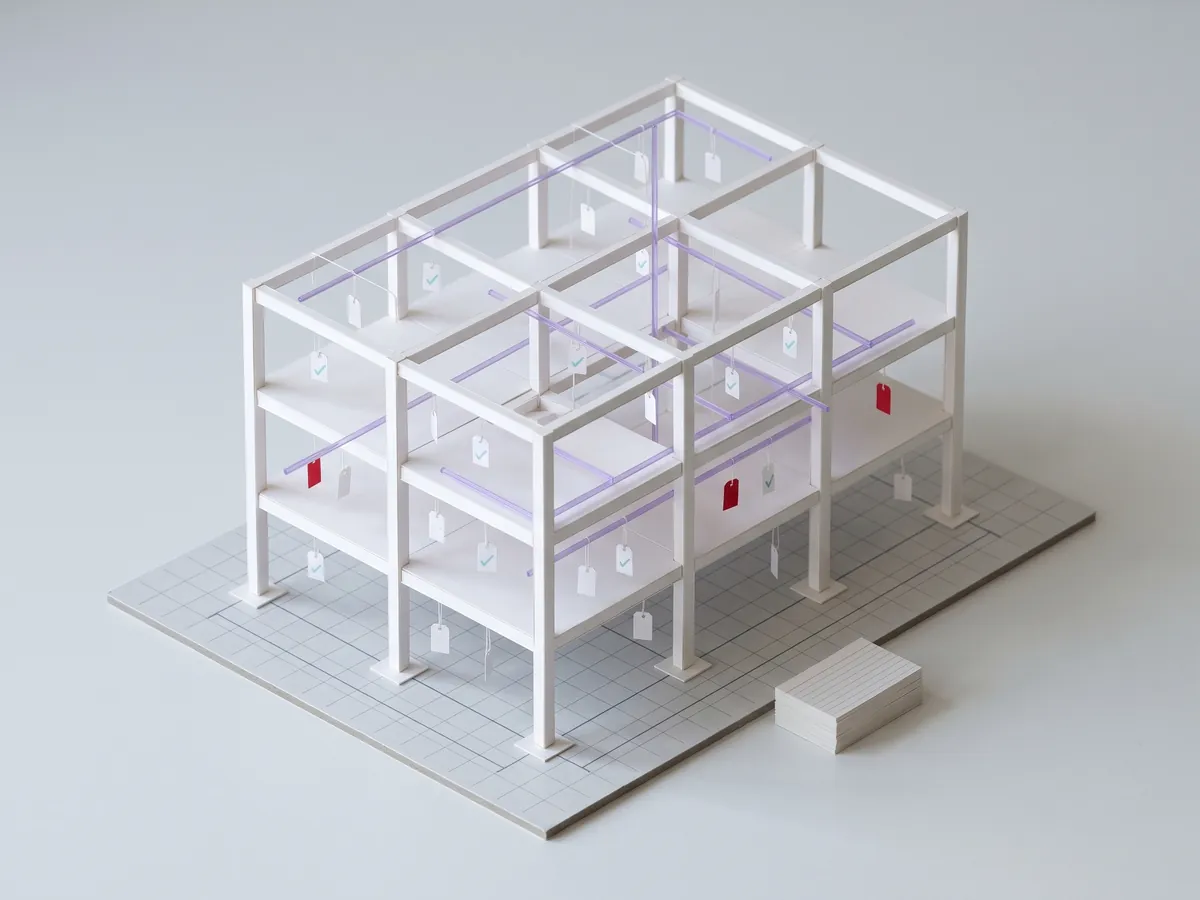 EI-WEB-004.5
NewNOEB
EI-WEB-004.5
NewNOEB
Requirements check
Write what a model must carry as an IDS, the buildingSMART standard for information requirements, and test any IFC against it. Every element that falls short is named, with the reason. You set Four sample models (office, villa, block, hall) or your IFC; specifications, entities, properties, materials, values and patterns; your IDS or ours Check a model against requirements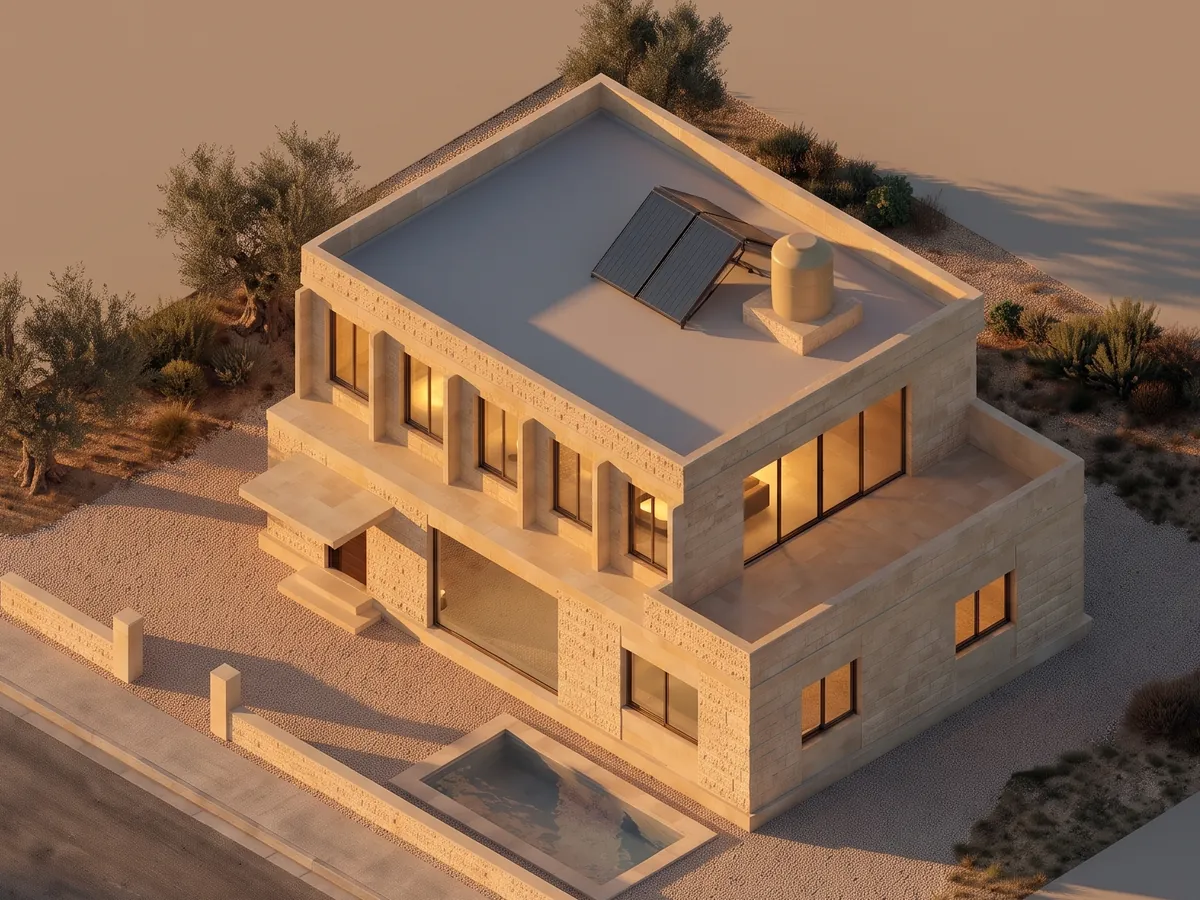 EI-WEB-004.3
LivePMXS
EI-WEB-004.3
LivePMXS
Plan to picture
A plan draws itself, the model rises from it and the picture resolves over it, in the stone and the light you choose. Then look through the walls at the water and the power. You set Storeys, stone, light, the street or the isometric view, and the finished building turned live however you like Open Plan to picture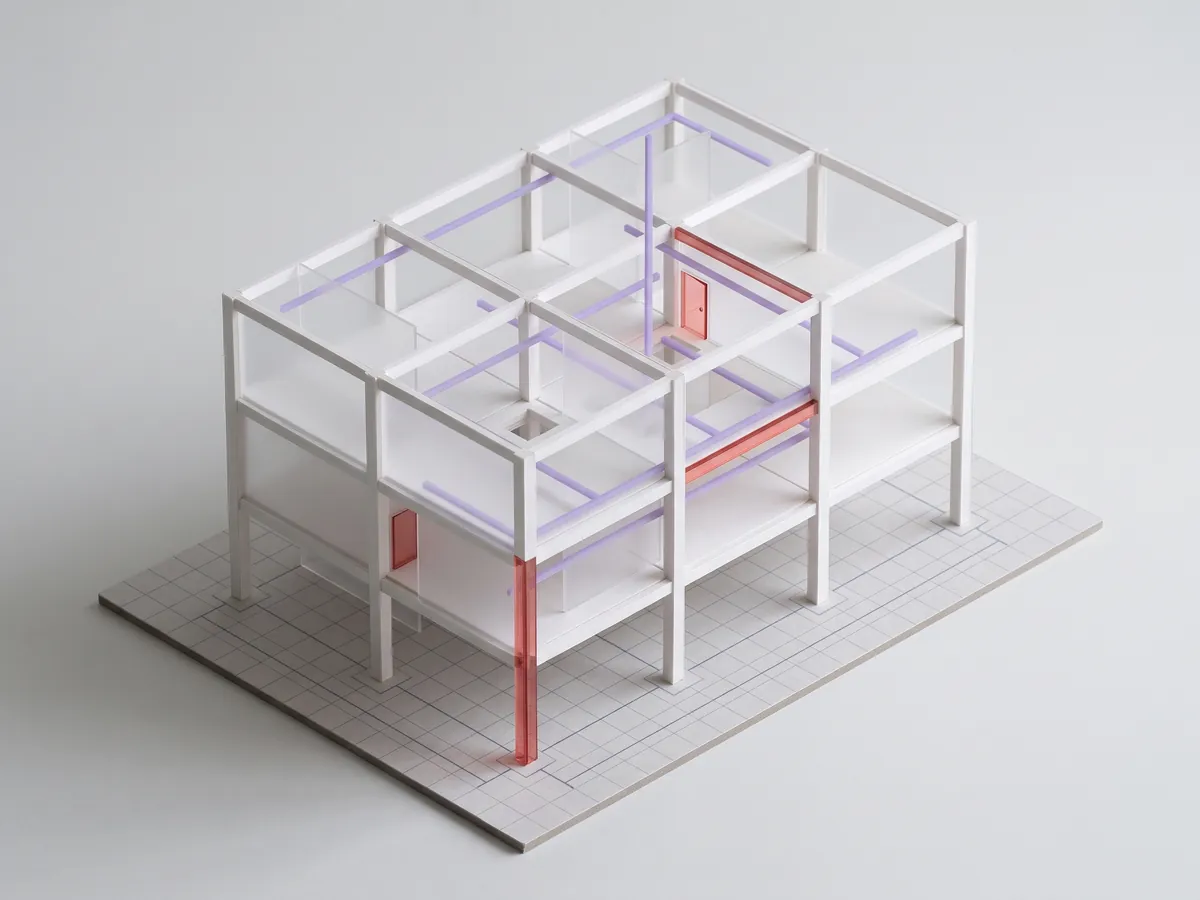 EI-WEB-004.1
LiveOJPB
EI-WEB-004.1
LiveOJPB
Model audit
Drop an IFC and read its readiness: spatial structure, identity, duplicates, information and names. Findings are marked in the model and export as PDF and BCF. Your model never leaves your device. You set Four sample models (office, villa, block, hall) or your IFC, which categories count, the duplicate tolerance Audit a model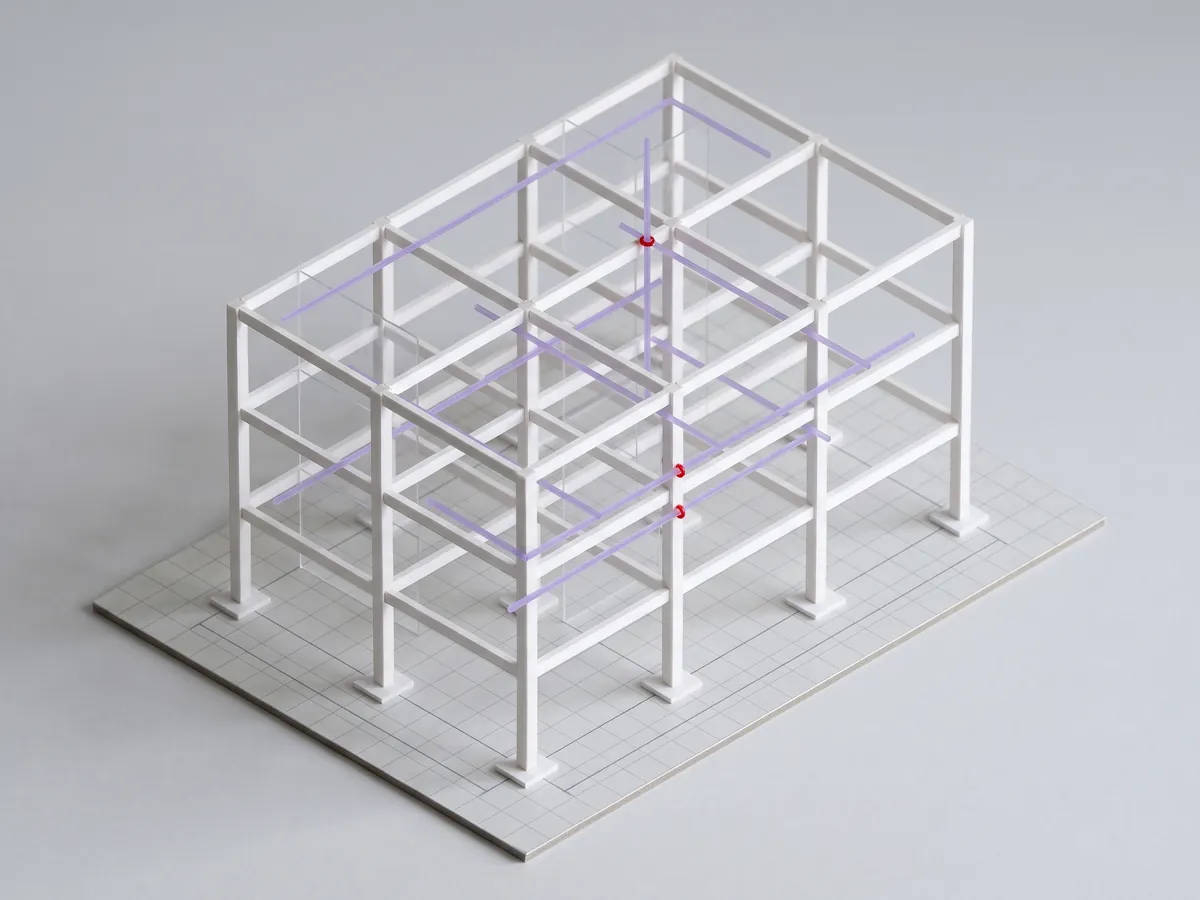 EI-WEB-004.2
LiveGJ↑↓
EI-WEB-004.2
LiveGJ↑↓
Clash explorer
The sample model with its clash list beside it. Move a run up or down and watch the overlap recompute until it resolves, or another clash appears. Exports as PDF and BCF 2.1. You set Four buildings (office, villa, block, hall), the clearance, the step a run moves by, which systems show Open the clash explorer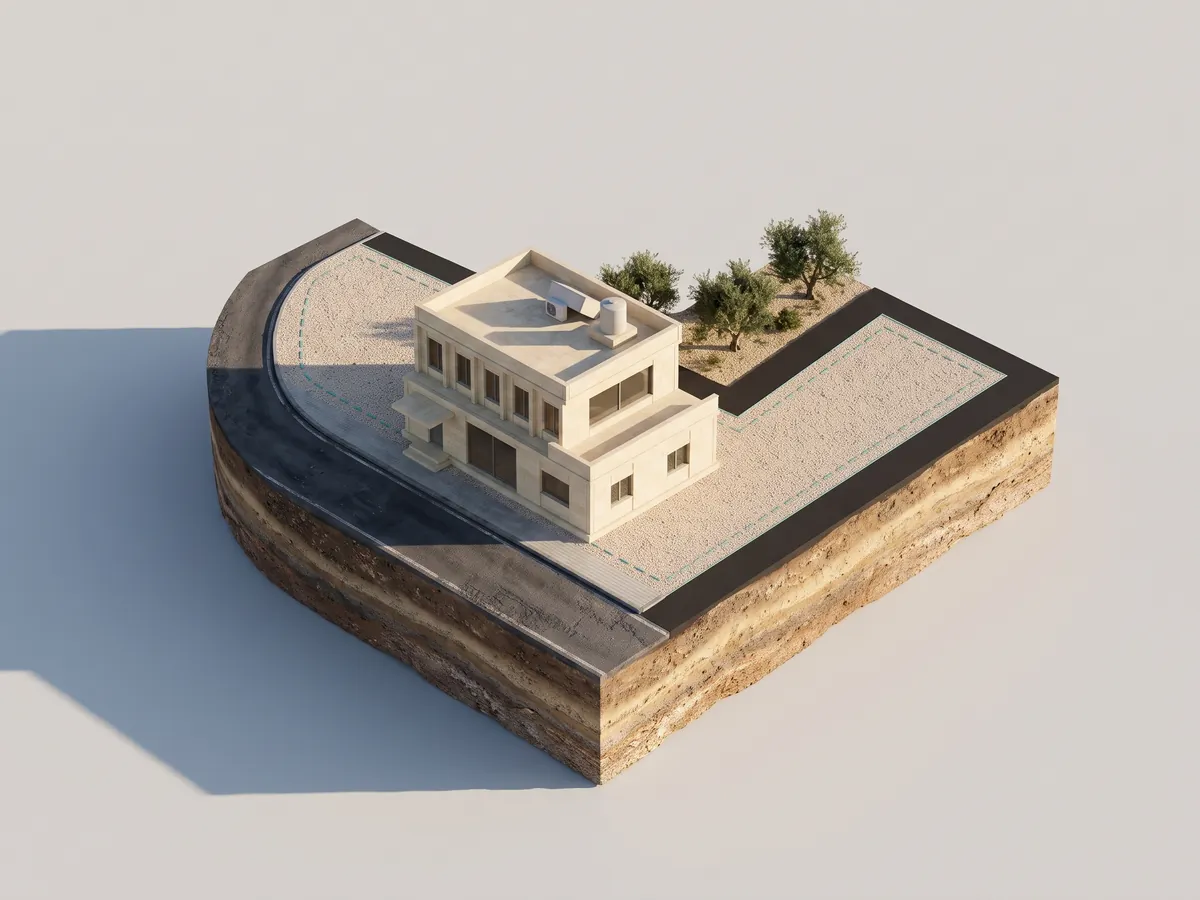 EI-WEB-004.4
LivePSpace↑→
EI-WEB-004.4
LivePSpace↑→
Sun on the plot
Parcel 542 and the villa under the true sun of any day and hour: shadows, sunrise and sunset, and the hours of direct sun on each facade. You set Three plots (parcel 542, a corner plot, a plot on a bend), day, hour, a city or your own coordinates, storeys, the villa’s turn Open Sun on the plot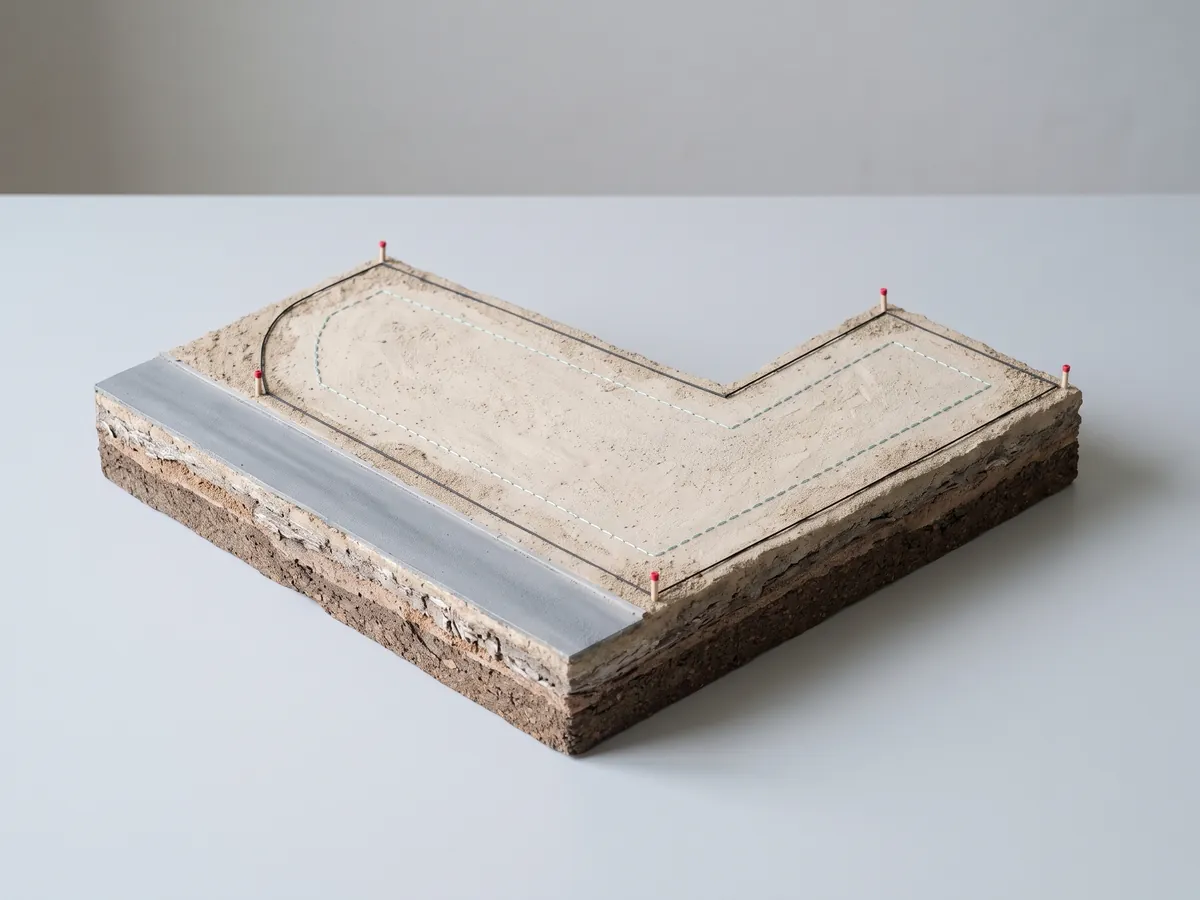 EI-WEB-004.6
LivePI12
EI-WEB-004.6
LivePI12
Plot reader
A plot drawn from its survey coordinates, every side, the arc and the area computed, and the buildable envelope from the setbacks and the height you set. Parcel 542 is loaded; paste your own points. You set Four plots (parcel 542, a corner plot, a narrow infill plot, a plot on a bend) or your own coordinates, front, side and rear setbacks, the envelope height, plan or isometric Open the plot reader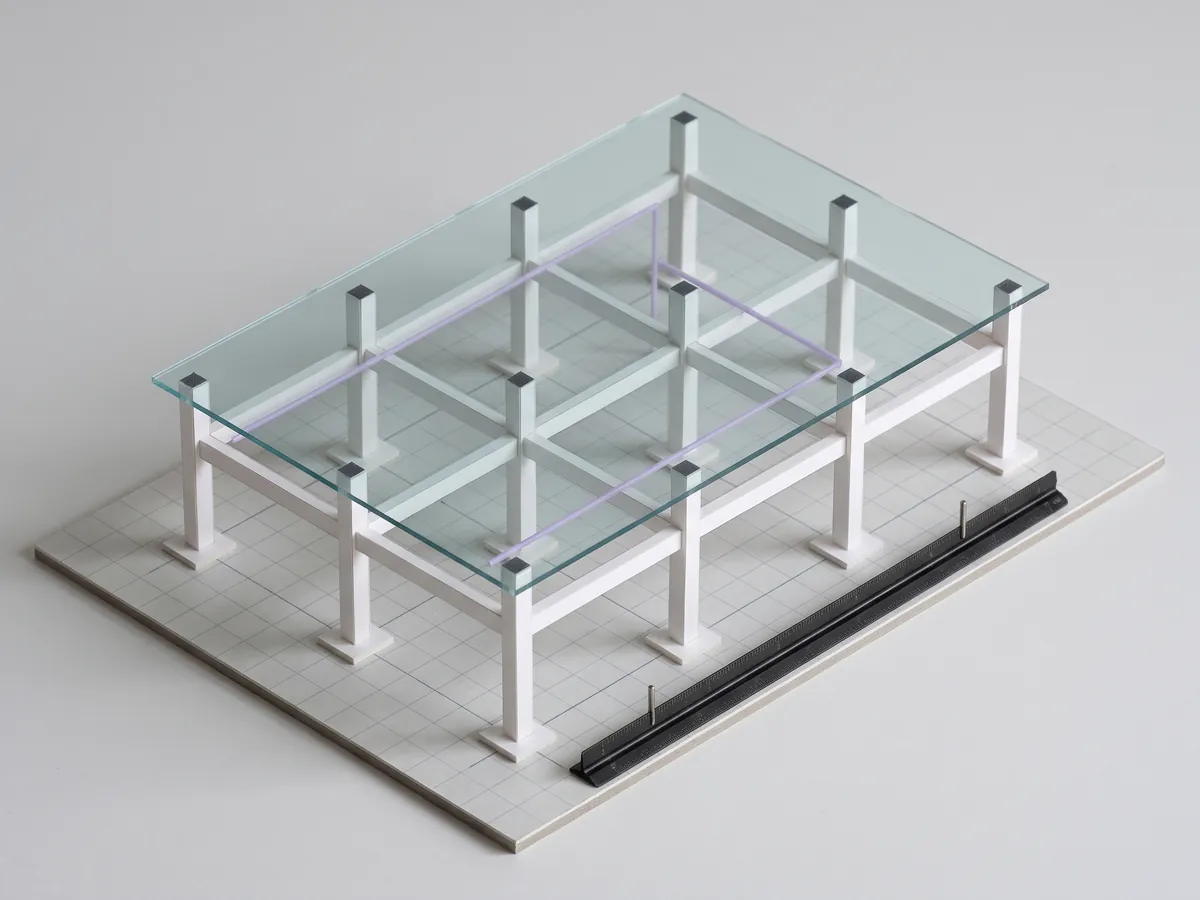 EI-WEB-001
LiveBMCE
EI-WEB-001
LiveBMCE
Measure and section
Inside the model on the home page. Measure between two points with snapping, cut a section at any height, explode the levels, turn between isometric and perspective. You set Four buildings (office, villa, block, hall), section level, explode, views, projection, layers Measure the model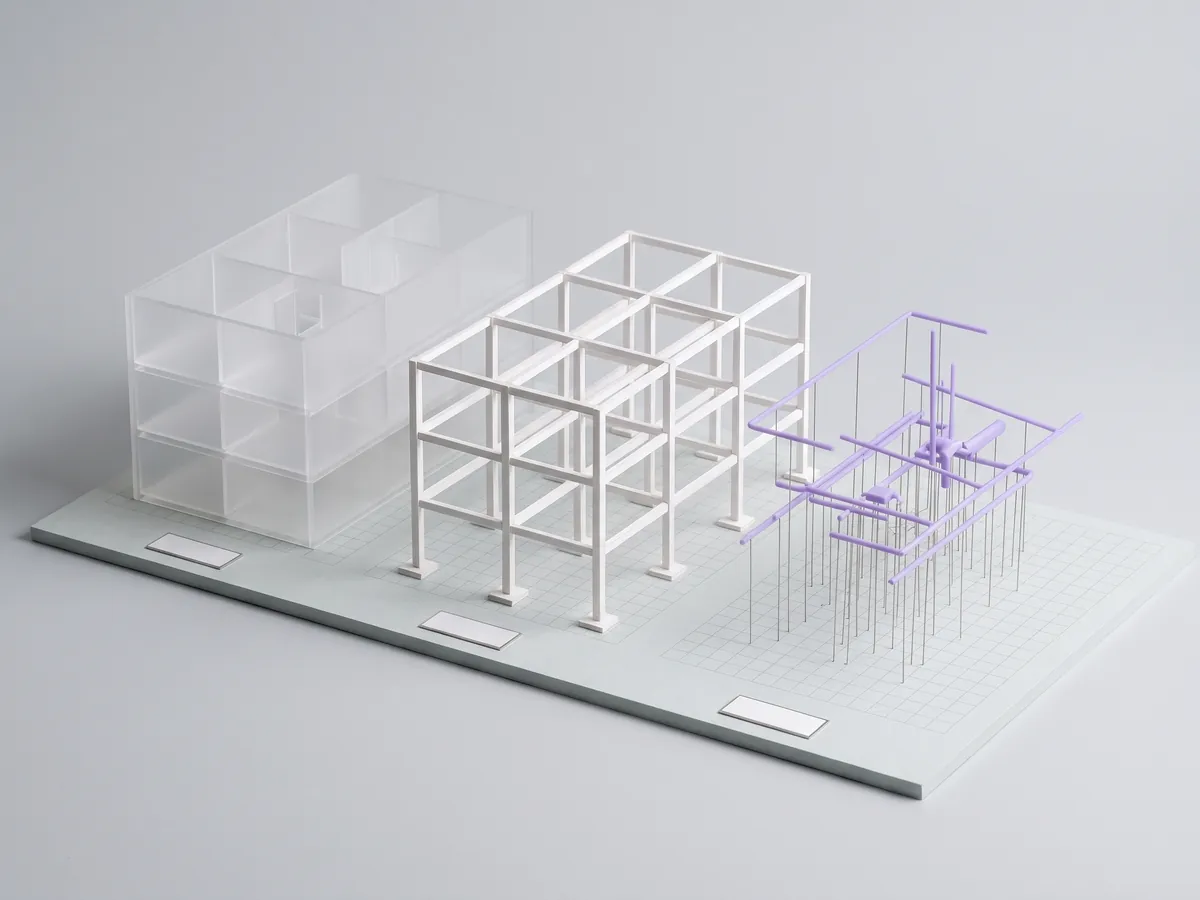 EI-WEB-005
Live/
EI-WEB-005
Live/
Container name checker
Type a container name and read it field by field against the UK National Annex (2021). It is checked on your device. You set Three example names, or any name you type Check a namePictures: the sample models of these tools, seen in isometric. The study-model views are prepared pictures made from each tool’s own model.
The tools show the method. The audit applies it to your model.
Request a model audit on one live project and get the figures back.
Request a model audit